
Blogs
Montech King 65 Pro vs King 65 for Winter Desk Setups
Dec
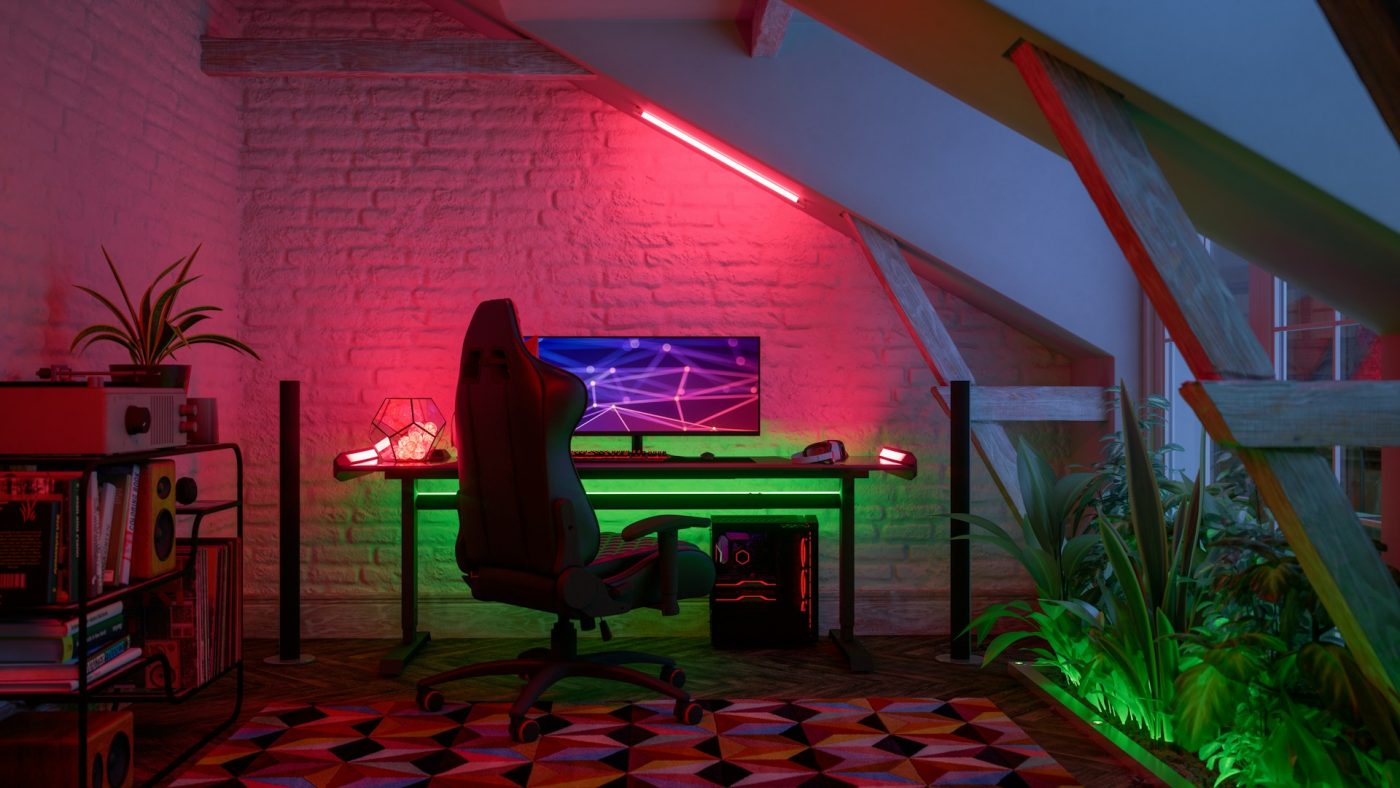
If you’re putting together a winter-ready desk setup, the right PC case can make a big difference. Two solid options that a lot of builders look at are the Montech King 65 Pro and the King 65. Both are known for their sleek design and compact footprint, especially for gaming or work spaces that don’t have a ton of room to spare. But when you’re indoors more often, like during the colder months, the smaller design details in these two cases start to matter more.
The Montech King 65 Pro has a few upgrades over the standard King 65 that are worth thinking about if your setup runs long hours every day. From internal layout to airflow and desk fit, each option works differently depending on how you set up your space. Below, we’ll walk through what separates them and where each one might fit best for winter setups that are built around comfort, stability, and use throughout the day.
Comparing Build Layouts and Repair Access
Both cases are small, but the way they use their internal space isn’t the same. The Montech King 65 Pro gives a little more breathing room for components, especially around the CPU and GPU zones. This can make it simpler to remove or swap parts later on, which matters when doing PC repairs or small upgrades during the season. The original King 65 is tighter inside. Fine for a single install session, but harder to work in again without removing more parts.
If you’re planning a build that might grow—maybe adding new fans or a different GPU a few months down the line—the Pro version is going to feel more flexible. It’s not just about how big your parts are, it’s about how easy it is to get tools inside without jamming your knuckles into tight corners.
During the winter, when your PC is running for longer stretches and you don’t want unexpected breakage, easier access helps. A cooler system is a more stable system. Good layout equals better cooling and quicker fixes if something acts up. In this category, the Montech King 65 Pro takes the lead.
On the Games Gravity site, you’ll find that both cases support standard ATX, Micro-ATX, and Mini-ITX motherboards for builds of different sizes and budgets.
Airflow and Cleaning Readiness
Winter means more time inside and less fresh air moving around your PC. Good airflow is key when your setup runs all day. Both the King 65 Pro and the standard King 65 come with mesh side panels to support ventilation. But the Pro version has clearer openings and more options for extra fans, which keeps air moving more freely.
The King 65 does a decent job, but in tighter rooms or setups where the air gets warm quickly, its airflow can start to struggle a bit. You’ll notice this most in longer gaming sessions or when running heavier software.
Compact setups that sit close to walls or tucked corners of a desk are common in Bahrain homes, especially during winter when windows stay closed. A case that cools better and is simple to open for quick cleaning inside pays off over time. The King 65 Pro being easier to manage for this kind of care can help stretch how well your PC holds up when used constantly.
Both models are compatible with a wide range of cooling options, including support for up to 280mm radiators and multiple 120mm or 140mm fans.
Fit With Winter Monitor Setups
If your setup includes dual displays or an ultra-wide monitor, space management becomes even more important. The Montech King 65 Pro offers slightly better support for larger video cards (which matter when you’re driving more screen real estate), and its improved GPU clearance frees up monitor arm positioning behind the case.
On the standard King 65, the tighter hardware fit means some cables or rear fans could block how close you can pull in your monitor. That makes it trickier to angle screens properly—especially in work setups where ergonomic alignment matters.
When you’re sitting at your desk for long hours in the cooler season, neck and eye strain get real. A setup that lets you adjust your monitor angle without cables getting in the way makes things feel smoother. Both cases have side windows that let a little RGB lighting shine through, which can help brighten your space a bit during darker months. But function matters more, and the Pro helps get those screens into better spots.
Desk Space and Placement for Bahrain Homes
Not every home has room for a giant gaming setup. A lot of desks in Bahrain come in smaller sizes—compact enough for a monitor, keyboard, and a few extras. So how each case takes up desktop space actually counts.
The Montech King 65 is the lighter of the two and can be moved or shifted easily. For setups on tables that might need to be rearranged during the week, that simplicity helps. But it comes with fewer rear I/O space options and fewer side slots, meaning you need to make more compromises on placement.
The King 65 Pro, on the other hand, is heavier and a bit wider. It’s not something you’ll want to lift and pull around often. But because its side ports are spread more evenly and it has more clearance in back, it sets up easier and makes connections feel less cramped when placed near a wall.
If you’re building in tight corners or working around side shelves or furniture, the extra flexibility in connection layout helps the Pro model fit without disconnecting your workflow.
Comfort Considerations for Long Indoor Use
Winter means more time in chairs and less time walking around. Your physical comfort matters, and the way a case fits around other parts of your setup adds to that. The King 65 Pro lets you access buttons and USB ports from the top and side more easily than the King 65, which can save you from constantly shifting or reaching.
Some smaller cases place power buttons low or behind fan grills. This can make them hard to reach if your chair armrests block side movement or if your desk surface is high. The Pro avoids this by spacing things out better up top. If you’re sitting back with a blanket or leaning into a headset, not needing to get up just to reset or plug in a USB helps make longer sessions more relaxed.
Fans matter too. During cold months, we don’t always want loud systems running beside us all day. The King 65 Pro has better breathability for quiet fan operation compared to the King 65, which has fans that may run louder if the space heats up. Keeping things cool and quiet makes your space feel better overall.
Building a Winter Setup That Works for You
Picking between the Montech King 65 Pro and the King 65 depends on how you’re using your space this winter. If you’re setting up in a room where airflow gets trapped and your system runs all day, the Pro is more likely to hold up without needing early tweaks. It gives you more access if anything needs repair later on, and it plays better with multi-monitor gear.
If your space is smaller and stays cooler, the King 65 still does its job well and takes up less room. But it’s not as flexible for growth or future adjustments.
Both models are strong options for builders trying to stay productive and comfortable in the colder season. Whichever fits your space, think through the time you’ll spend at that desk, how warm your room gets, and how easy you want it to be to reach your gear. A case that fits well into your setup makes every task from working to gaming feel more relaxed and smooth.
Planning to build out your setup this winter with better airflow, room to upgrade, and a cleaner layout? A case like the Montech King 65 Pro can be a smart fit. It works well with dual-screen setups, gives extra space for parts, and fits tight desk areas found in many Bahrain homes. Whether you’re logging longer game time or clearing off clutter for work, we’re here at Games Gravity to help you find the right tools for your space.